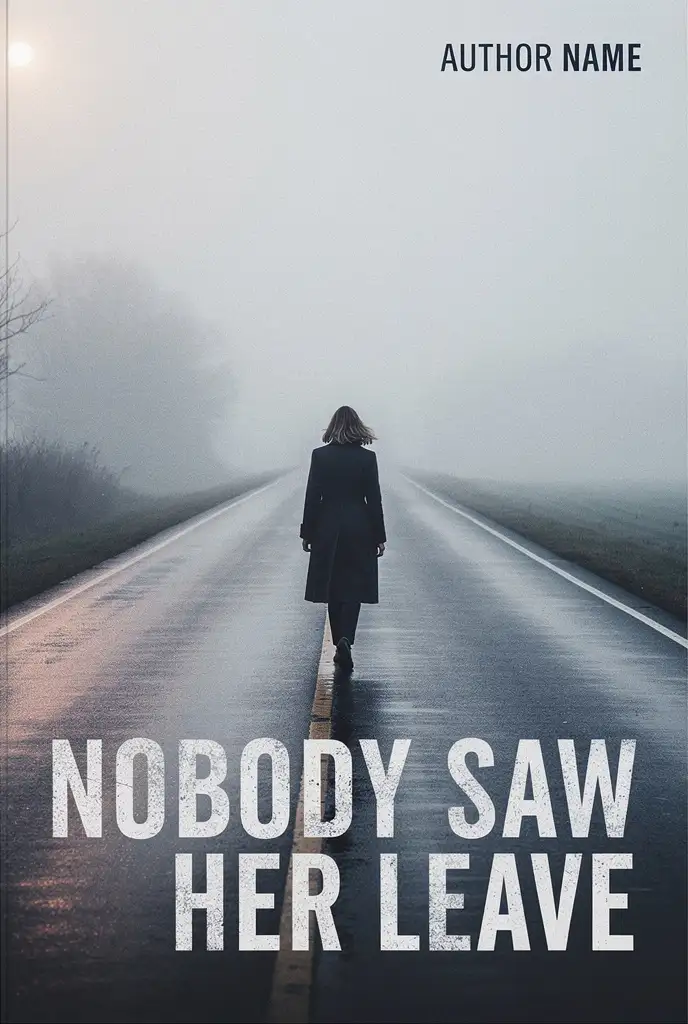
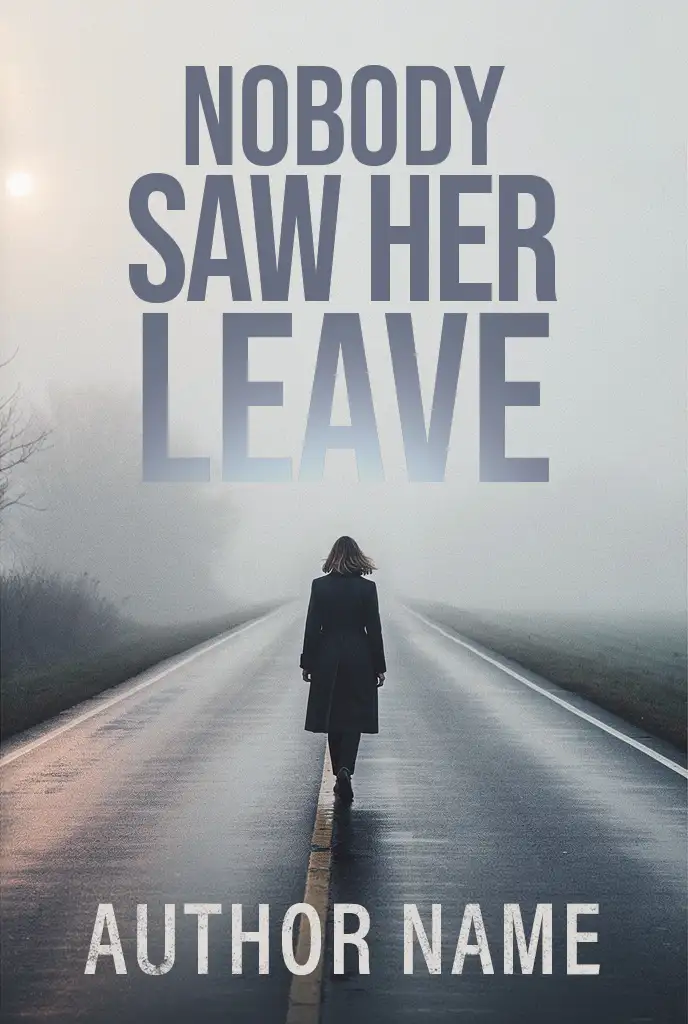
Can you fix a 1024 pixel AI image?
Sometimes, and I will be honest about it rather than take the job and hope. A 1024 pixel
generation cannot be made genuinely sharp at print size, because the detail was never captured.
What I can do is repair the artwork, rebuild it at print resolution with hand-painted detail over
the weakest areas, and grade it so it holds up. That works well for painterly and illustrated
covers and poorly for anything that depends on fine texture. If it will not work, I will say so
and refund you before any work begins.
What exactly do you send back?
For the front cover package: a high resolution front cover image and the ebook cover file. For the
print wrap: a flattened, print-ready PDF of the full wrap with the correct spine, bleed and type
safe area, plus the ebook cover. For the complete bundle: the wrap, the ebook cover, a hardback
jacket built to the hardcover spine width, an audiobook cover, and a set of 3D mockups for your
launch and advertising.
Do you fix the blurb and the typos as well?
Yes, and they are worth fixing at the same time as the artwork. The blurb is the second biggest
lever you have after the cover, so I tighten the hook, cut the filler, and set it on the back
cover at a size that is actually readable on a shelf. On the copy I proofread the title, the
subtitle, the tagline, the blurb and the author bio. I also check the text baked into the artwork
itself, because image models frequently paint a tagline with the wrong letterforms and it is easy
to miss at full size. Paste whatever you have into the copy field on the form.
How do I pay, and when does the work start?
You choose your package on the form, send the files, and pay it through PayPal straight away, on
this page. Work starts as soon as the payment clears. The price you see is the price you pay:
there are no add-on charges later, and nothing is charged beyond the package you selected. If you
would rather pay another way, reply to the confirmation email and I will send a PayPal invoice
instead.
Do you format the inside of the book as well?
Interior formatting is a separate service rather than part of a cover package, because the two
jobs need different files and a different amount of time. If the inside of your book is also a
Word file that will not convert, or your margins fight the gutter, you can order that separately
from the
interior formatting page.
Will my cover pass the KDP upload check?
The files are built to the published requirements: 300 DPI, CMYK, flattened, fonts embedded, no
crop marks, 0.125 inch bleed, the spine calculated from your page count and paper stock, and a
clear barcode zone. That is what the automated checks look for. I cannot promise an outcome on
your account, and any designer who does is guessing, but the file will be correct against the
specification.
Do I need to declare the cover as AI generated?
On KDP, yes if the image was generated by AI, and their guidelines state that this includes cover
art. That obligation sits with you as the publisher, and it is worth reading their content
guidelines directly. Separately, US Copyright Office guidance is that material generated purely
from a prompt is not protected by copyright, which is worth knowing before you build a brand
around it. None of that stops you publishing. It is just better to know it now than later.
What if I only have the image and no page count yet?
That is completely normal, and it is why the page count is optional on the form. Send what you
have. If you need the print wrap, the spine width depends on the final page count and paper
stock, so we settle that before the wrap is built. If you are still writing, the front cover
package does not need it at all.
Can you keep the exact look I already have?
Yes. The starting point is your image, and the goal is to make the cover you already chose
publishable rather than to replace it with mine. Composition, palette and mood stay. What changes
is the craft: the defects, the resolution, the colour for ink, and the typography.
How many revisions do I get?
Revisions are included until you approve the proof. Within the scope you agreed there is no
revision limit, because a cover you are not happy with is not a finished cover. Changes that move
the scope, such as a different title or a new direction for the artwork, are quoted separately and
always agreed with you first.
What file types can I upload?
Images (JPG, PNG, WebP, TIFF, HEIC), PDFs, and working files such as PSD, AI, EPS or a ZIP. Up to
ten files at 100 MB each, and the upload happens straight from your browser to my own Google
Drive, so a large layered file is fine. The second upload box is for anything else that helps: an
author photo, a logo, a manuscript file, or a reference image you want the cover to match.
Can you fix a book cover that was not made with AI?
Yes. The starting point does not have to be a generation. A cover from an earlier designer, a
template you built yourself, a stock image with type laid over it, or a file that was already
rejected on upload all get the same treatment: the artwork is repaired, the resolution and
the colour are rebuilt for ink, and the typography is set properly. If you would rather start
again from a finished design instead, there are premade covers sold once only.
Do you design the back cover as well as the front?
On the Print Wrap and the Complete Publishing Bundle, yes. The front cover package is the
front only. The wrap adds a designed back cover carrying your blurb, the barcode zone, the
author photo and the imprint, plus the spine width calculated from your page count and paper
stock and the bleed and safe area the printer needs.
How much does it cost to fix a book cover?
One flat price per package: $149 for the front cover, $249 for the full print wrap with the
spine and the back cover design, and $299 for the bundle with the hardback jacket and the
audiobook cover. The price you see is the price you pay. There are no add-on charges later,
and nothing is charged beyond the package you selected.