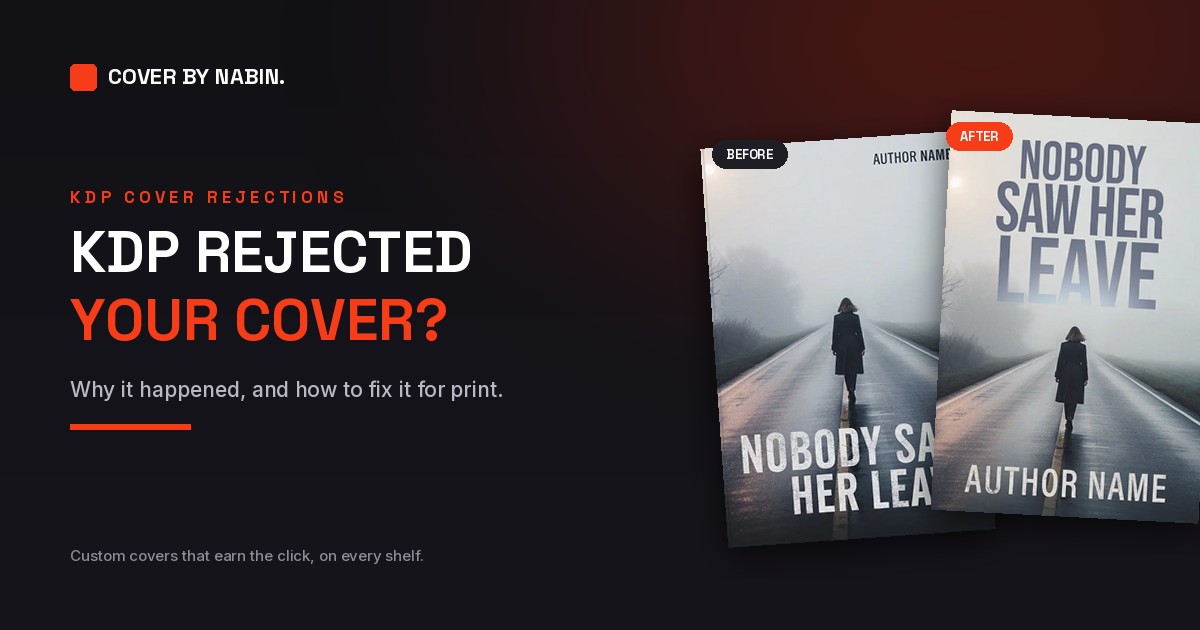
You uploaded your paperback cover to Amazon KDP and it came back flagged. The message tells you something is wrong, but not always what to change. The good news is that the reasons are few and predictable, and almost every one of them comes down to a measurement.
This guide walks through each common reason a KDP cover is rejected, the rule behind it as KDP states it, and how to fix it. If you would rather hand the file to someone, there is a short section on that at the end.
How KDP checks your cover
A paperback cover is not just the front. KDP asks for a single PDF that includes the back cover, spine and front cover as one image. The width of that file depends on three things: your trim size, your page count and your paper. When the file does not match the size your book needs, or breaks one of the placement rules, the upload is flagged and you are asked to fix it.
That is why a cover can look perfect and still fail. The problem is rarely the design. It is the geometry.
The common reasons, and the fix for each
1. The cover is the wrong size
The full cover width is the bleed, plus the back, plus the spine, plus the front, plus the bleed again. The height is the trim height plus bleed at the top and bottom. A cover sized for the wrong trim, or built from a template for a different book, will not match.
Fix: work out the exact size for your trim and page count. The free KDP cover calculator does this and gives you a template to design on.
2. The spine does not match your page count
The spine width is your page count multiplied by the thickness of your paper. For black and white interiors that is 0.002252 inch per page on white paper and 0.0025 inch on cream, so the same book has a different spine on each. The most common trap is formatting the interior after the cover is made: the page count changes, the spine changes, and the cover no longer fits.
Fix: take the final page count from your finished interior, recalculate the spine, and do not round the result. The KDP cover size guide has the full table.
3. There is no bleed
KDP asks you to add 0.125 inch (3.2 mm) to the top, bottom and outside edges of the cover. Anything in that strip is trimmed off, so the background has to run into it, or a thin white line can appear at the edge of the printed book.
Fix: extend the background art past the trim line on every outside edge.
4. Text is too close to the edge
KDP asks that text sits at least 0.125 inch (3.2 mm) inside the trim lines. Titles, author names and blurbs placed right up against the edge risk being cut.
Fix: move every piece of text and every logo inside the safe area, with comfortable room to spare.
5. Spine text on a thin book
KDP only allows spine text when the book has at least 79 pages, and it asks for at least 0.0625 inch (1.6 mm) of space between the spine text and each edge of the spine. A thin book with a title on the spine is a classic rejection.
Fix: remove the spine text if your book is under 79 pages, or keep it well inside the spine if it is over.
6. Low resolution images
KDP asks for images placed at a minimum of 300 DPI. A cover made for a screen often falls short: a 1024 pixel image stretched across a six inch front cover works out at about 171 DPI. It may look fine on your monitor and still print soft.
Fix: rebuild the cover from artwork that is large enough for the final printed size. Raising the DPI number in an editor changes the label, not the image.
7. Something is in the barcode area
If you do not supply a barcode, KDP places one on your back cover. If your blurb, an author photo or important artwork sits where it goes, the result looks wrong or the file is flagged.
Fix: keep the lower part of the back cover clear. If you have your own ISBN, you can make a barcode with the free ISBN barcode generator.
8. Fonts and transparencies
KDP asks you to embed your fonts and flatten all transparencies. Unflattened transparencies can print with missing or distorted content.
Fix: export a flattened PDF with the fonts embedded.
9. The file is too large
KDP notes that cover files larger than 650MB will not convert, and recommends keeping them at 40MB or less.
Fix: export at the correct size and resolution rather than far above it.
Every rule above comes from KDP's own paperback cover guidelines. They can change, so check KDP's help pages before you upload if anything looks different.
Why an ebook cover is not a print cover
An ebook only needs the front. A paperback needs the whole wrap: a back cover with your blurb, a spine sized to your page count, and the front, all in one file with bleed. Many rejections happen because a front cover made for Kindle was simply stretched into a paperback template.
If you already have a front cover you are happy with, the missing pieces are the spine and the back cover. That is a job on its own: back cover and spine design for your existing front cover.
If your cover was made with AI
AI image tools are good at ideas and poor at print files. Their images are often too small for 300 DPI at print size, their lettering is painted rather than typeset, and they make a single front image with no spine or back cover at all. KDP also asks you to declare AI generated content when you publish.
The guide to fixing an AI generated book cover covers each of those problems in detail.
A quick check before you upload again
- The cover is one PDF with the back, spine and front together.
- The size matches your trim size and your final page count.
- The background runs into 0.125 inch of bleed on the top, bottom and outside edges.
- All text sits at least 0.125 inch inside the trim lines.
- There is no spine text if the book has fewer than 79 pages.
- Images are at least 300 DPI at their printed size.
- The barcode area on the back cover is clear.
- Fonts are embedded and transparencies are flattened.
Want it fixed for you?
If you would rather not rebuild the file yourself, I fix covers for KDP and IngramSpark by hand. You see a watermarked proof before anything is final. Nobody can promise that KDP will accept a file, but fixing the problems above removes the usual reasons it is rejected.
Fix my cover for print
Blurry, misspelled or AI made? The artwork is repaired, rebuilt at true 300 DPI and set in real type. From $149.
Fix My CoverAdd the back cover and spine
Keep the front you have. The spine is sized to your page count and the back cover is designed around your blurb.
Back Cover and SpineFrequently asked questions
Why does KDP keep rejecting my book cover?
Usually because the file does not match the exact size your book needs. The cover width depends on your trim size, page count and paper, so a cover made for one page count fails when the interior changes. Missing bleed, text too close to the edge, spine text on a thin book and low resolution images are the other common causes.
How do I find the right cover size for KDP?
The full width is the bleed, plus the back cover, plus the spine, plus the front cover, plus the bleed again. The height is the trim height plus bleed at the top and bottom. The spine depends on your page count and paper, which is why the free KDP cover calculator asks for both.
How much bleed does a KDP paperback cover need?
KDP asks for 0.125 inch (3.2 mm) of bleed on the top, bottom and outside edges of the cover. The background art has to run all the way into that bleed, because it is trimmed off.
Can I put text on the spine of a thin book?
KDP only allows spine text when the book has at least 79 pages, and the text needs at least 0.0625 inch (1.6 mm) of space from each edge of the spine. Below that page count, leave the spine without text.
Does KDP add the barcode for me?
Yes. If you do not supply a barcode, KDP places one on your back cover, so the lower part of the back cover needs to stay clear of important text and artwork.
Will KDP accept a book cover made with AI?
KDP asks you to declare AI generated content when you publish, and the cover still has to meet the same print requirements as any other. AI images often fail on resolution and on lettering, which is why they are rebuilt for print rather than uploaded as they are.
Can you fix my rejected cover for me?
Yes. I rebuild covers for KDP and IngramSpark by hand, from $149 for the front cover and $249 for the full paperback wrap. Your first proof arrives within three business days, and you approve it before anything is final.